

A spreadsheet works while items sit still, one person maintains it, and nobody outside needs assurance. It breaks when equipment starts changing hands, because a spreadsheet can't record that somebody accepted responsibility, can't be updated from where the equipment is, and has no history.
I want to start by defending the spreadsheet, because most of the advice on this topic is written by people selling the alternative.
If you have two hundred items that live in a store room, one person who maintains the list, and nobody outside asking for assurance — a spreadsheet is genuinely fine. It's free, everyone can use it, and it does what you need. I've told people to stay on one more than once.
What's worth knowing is where the line is, because the failure isn't gradual. Things are fine, and then they're quite suddenly not.
Five signals you've crossed the line
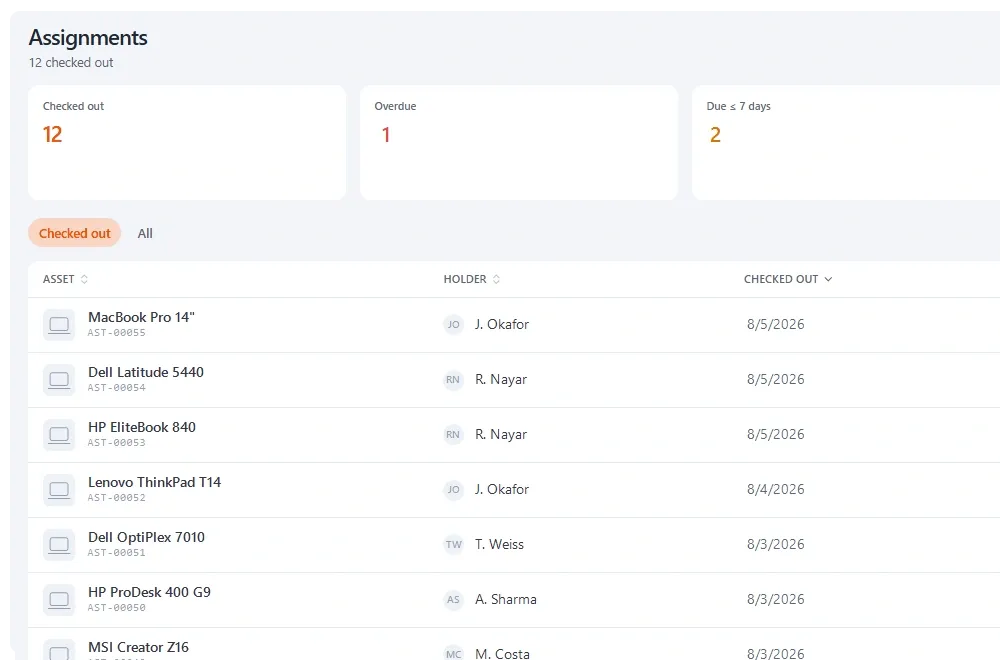
- Equipment is issued to people. The moment things change hands, you need to know who accepted what and when. A cell containing a name isn't that.
- More than one person needs to update it. Two people editing a shared file produces conflicts, lost edits and the version-in-someone's-downloads problem.
- Two teams want the same item on the same day. A spreadsheet has no idea what's booked next Tuesday, so the clash surfaces on Tuesday.
- Somebody external has asked for a verified count. An export isn't an audit, because nothing in it was physically checked.
- Items have dates that matter. Warranty expiry, service intervals, statutory inspections. A spreadsheet will not warn you, and diarising it works until whoever diarised it leaves.
One signal means think about it. Two or more and you're already paying the cost, just not on an invoice.
What actually breaks first
In my experience it's almost always custody, and it breaks in a specific way.
Something doesn't come back. You open the spreadsheet and there's a name in a cell. There's no date, no record that the person accepted it, no note of what condition it was in when it left, and — because the cell gets overwritten — no way to see who had it before them.
That's the conversation where people usually call us. Not because the spreadsheet was messy, but because it turned out to hold one fact when they needed five.
|
Question |
Spreadsheet |
Asset software |
|---|---|---|
|
What do we own? |
Yes |
Yes |
|
Who has it now? |
One overwritten cell |
Current holder, with a date |
|
Did they accept it? |
No |
Signature at handover |
|
Who had it before? |
No |
Full custody history |
|
What's booked next week? |
No |
Availability and reservations |
|
What expires this month? |
Only if you diarise it |
Warned ahead of the date |
|
Can we prove a count? |
No |
Verified, dated, signed |
*The five facts a single spreadsheet cell can't hold.*
The hidden costs of staying
The spreadsheet's headline price is zero, which is why the comparison usually stops there. A few costs that don't appear on it:
|
Cost |
How it shows up |
Roughly |
|---|---|---|
|
Maintenance |
Somebody's time keeping it current |
2–6 hrs/month, growing with the estate |
|
Reconciliation |
Resolving versions that disagree |
Unpredictable, always at the worst time |
|
Search time |
Nobody trusts it, so people go and look |
Rises as accuracy falls |
|
Key-person risk |
It's accurate because of one individual |
Realised the week they leave |
|
Lost claims |
No expiry warnings, so cover lapses |
One missed claim often exceeds a year of software |
None of these are arguments to switch on their own. Together they're usually why the switch happens eventually — and it tends to happen after an incident rather than after an analysis.
The middle option people forget
It isn't spreadsheet or full platform. Several tools including ours have a free tier that will hold a small estate properly, with custody and signatures.
So you can run both for a month. Keep the spreadsheet as the system of record, load the same data into a tool, and see which one people actually update. That answers the question empirically instead of by argument, and it costs nothing but an import.
The bit nobody mentions: the spreadsheet is your head start
People delay switching because they think they'll have to start again. You don't. Your spreadsheet is the import file.
Export to CSV, map your columns once, and categories, locations and departments get created from the values already in your file. You don't build the hierarchy by hand first — the sheet you've been maintaining for three years already contains it.
Two things worth doing before you import, though. Decide whether your current category structure is the one you actually want, because migration is the cheapest moment to change it. And spot-check twenty records against reality first, so you're not importing three years of accumulated drift and treating it as a baseline.
Running the migration without a bad week
The migration itself is rarely the problem. The week either side of it is, and it is avoidable.
- Import into a fresh tool while the spreadsheet stays authoritative. Nobody changes how they work yet.
- Spot-check twenty records against reality. You are measuring how much drift you just imported, which is useful to know.
- Pick one team or location to switch first. A single group using it properly is a better argument than a memo.
- Run both for two weeks. Where they disagree, the reason is nearly always a process gap worth understanding rather than a data error worth silently fixing.
- Then declare the tool authoritative and make the spreadsheet read-only rather than deleting it. People need somewhere to look for a fortnight.
The step people skip is the fourth, and it is the one that surfaces every unwritten rule your spreadsheet encoded — the abbreviations only one person understands, the colour that means something, the rows at the bottom that are not really assets.
What your spreadsheet is telling you
Before importing, read it as evidence rather than as data. The shape of a spreadsheet is a record of what people actually needed.
|
What you find |
What it means |
What to do |
|---|---|---|
|
A colour-coded status column |
Status matters and had no home |
Map it to a real status field |
|
Notes like 'with Dave?' |
Custody was the actual need |
This is why you are switching |
|
Duplicate rows for the same item |
No unique identifier existed |
Deduplicate before import, not after |
|
A tab per site |
You need hierarchical locations |
Build the hierarchy from the tab names |
|
Blank rows and subtotals |
It was doubling as a report |
Leave them behind; reports come from queries now |
When to stay put
- Nothing is issued to anybody — items have a place, not a holder.
- One person maintains it and that's stable.
- No dates that matter, or few enough to genuinely diarise.
- Nobody external has ever asked you to prove anything.
If that's you, save your money. Come back when the first signal appears — and it usually appears as an incident rather than a realisation.
Key takeaways
- A spreadsheet is fine while items sit still, one person maintains it, and nobody external needs assurance.
- Custody is what breaks first: a cell holds one overwritten name, with no date, acceptance or history.
- Two or more of the five signals means you're already paying the cost, just not on an invoice.
- Your spreadsheet is the import file, not wasted work — categories and locations come from it.
- Clean your data and reconsider your category structure before importing; migration is the cheapest moment to change it.
Frequently asked questions
Can I use Excel for asset management?
Yes, for a small, stable set of items that rarely change hands and where nobody external needs assurance. It stops working once equipment is issued to people, because a spreadsheet can't record acceptance, can't be updated where the equipment is, and keeps no history.
When should we move from a spreadsheet to asset software?
When equipment starts being issued to people, when more than one person needs to update the register, when two teams start needing the same item, when somebody asks for a verified count, or when dates like warranty and inspection expiry start to matter.
Will we lose our spreadsheet data if we switch?
No — it becomes the import file. Export to CSV, map the columns once, and categories, locations and departments are created from the values already in your sheet. The structure you've maintained for years is exactly what gets imported.
What's the main thing a spreadsheet can't do?
Record that a named person accepted responsibility for a specific item at a specific time, and keep every previous holder alongside. A cell holds one name and overwrites it, which is fine until something doesn't come back.
Should we clean the spreadsheet before importing?
Spot-check around twenty records against reality first, so you know how much drift you're importing. And reconsider your category structure — migration is the cheapest moment you'll ever have to change it.
Can two people edit an asset spreadsheet at once?
In a cloud spreadsheet, technically yes — but you get conflicting edits, overwritten cells and no record of who changed what. The deeper problem is that neither person can update it from where the equipment actually is, so both are working from memory by the time they reach a keyboard.
How long does migrating from a spreadsheet take?
The import itself is usually under an hour. Agreeing your category and location structure takes longer and is worth doing properly, because migration is the cheapest moment you will ever have to change it. Most teams are running real checkouts the same day.
What if our spreadsheet is messy?
Almost all of them are. Spot-check twenty records against reality before importing so you know how much drift you are carrying over, deduplicate obvious repeats, and leave the subtotal rows behind. You do not need it clean — you need to know how dirty it is.